
Premium HD Video Player
for
Android
& 4K Media
Stream 4K Ultra HD videos in any format with professional-grade privacy tools and a secure private folder. The ultimate all-in-one video player for your smartphone.
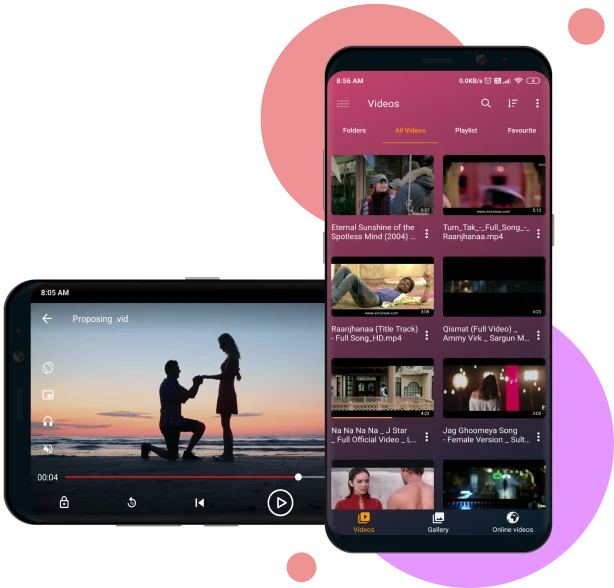
All-in-One Professional Features
Powerful playback tools, subtitle support, and advanced privacy for the ultimate media experience on Android.
Easy Controls
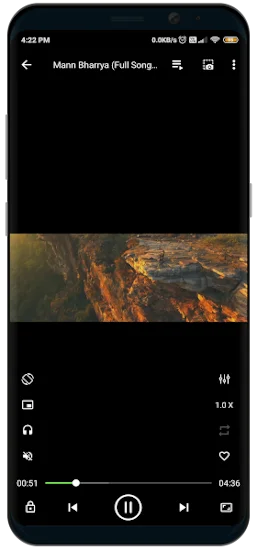
Intuitive gesture controls for volume, brightness, and playback with seamless navigation.
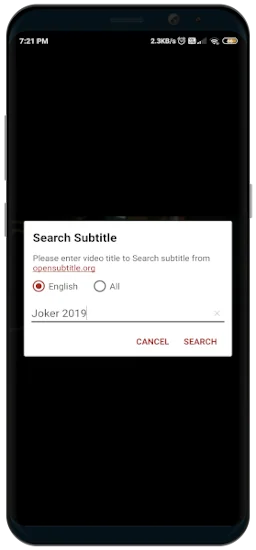
Smart Subtitle Downloader
Automatically search and download subtitles in multiple languages for your favorite movies.
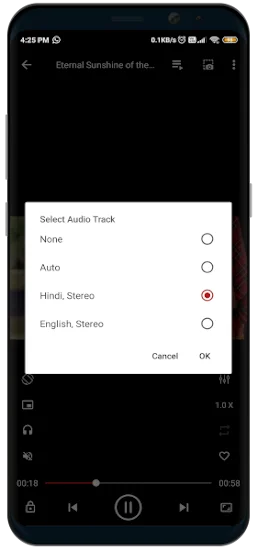
Multi-Audio Support
Switch between multiple audio tracks and fine-tune your sound with a built-in equalizer.
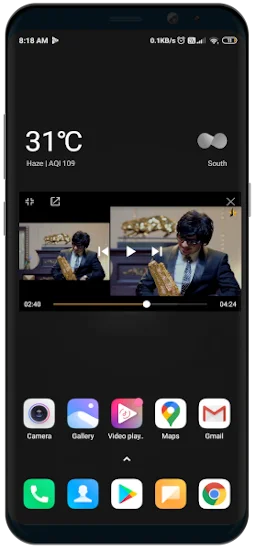
PiP Mode
Watch your videos in a floating window while using other apps with Picture-in-Picture mode.
Custom Themes
Personalize your experience with a variety of professional themes and a dedicated night mode.
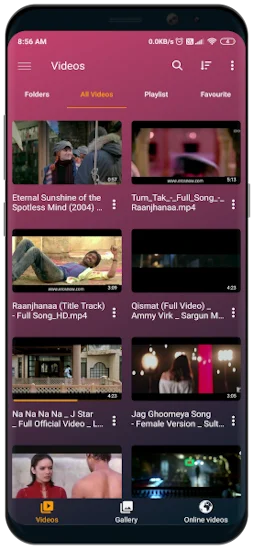
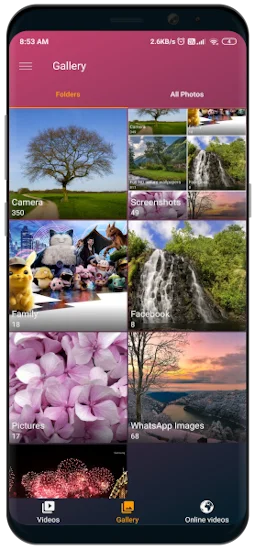
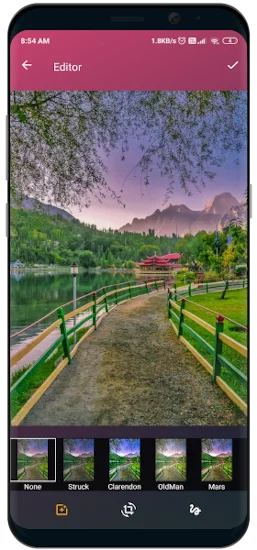
Integrated Gallery
A beautiful photo gallery and powerful editor with high-quality filters and effects.
App Experience
Designed for power users who demand the best in media playback and privacy.
The Ultimate Secure Private Folder
Military-grade file encryption to keep your private memories truly private.
Secret Long-Press Entry
Your private folder is hidden from standard menus. Access it exclusively by long-clicking the "Videos" or "Photos" tab in the bottom navigation bar.
Advanced AES-GCM Encryption
All files are secured using AES-GCM encryption. Your media is physically moved and encrypted to ensure it is unreadable to other apps.
Default Persistent Storage
Encrypted files are stored in a secure local folder that survives app uninstallation. Only this app can decrypt and restore your files.
24-Character Recovery Code
Get a unique recovery code during setup. Save it manually or back it up to Google Drive for absolute peace of mind.
Offline Security Architecture
Your media never touches the cloud. All encryption, decryption, and storage occur strictly on your offline device.
Lossless Media Restoration
Instantly move files back to your gallery with one tap, retaining original quality, file names, and metadata.
Frequently Asked Questions
Everything you need to know about HD Video Player and the Secure Private Folder.
Get in Touch
Have questions or feedback? We'd love to hear from you.
upsidedowntechnology@gmail.com
Send us your query anytime!
Noida, Uttar Pradesh, India
Our headquarters